
For studios & gyms
Your gym. Your studio. Your team.
Connect your instructors, workouts and classes in one training system. Share programmes, manage client assignments and bring guided sessions to the big screen — from boutique studios to gym floors.
- Shared workout and programme libraries
- Role-based team access
- Class scheduling and attendance
- Instructor-controlled studio and TV mode
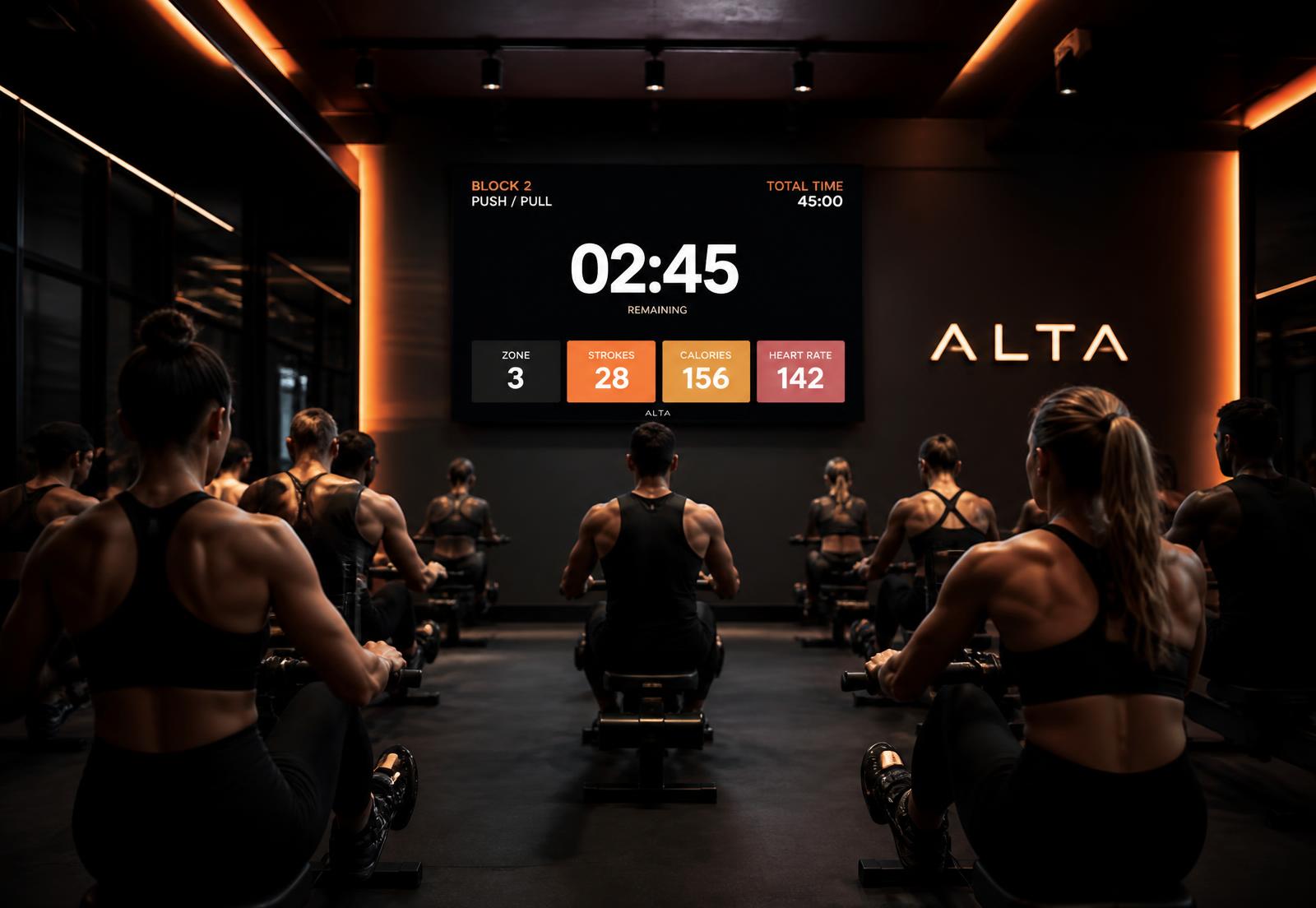
In the room
Classes that run themselves once you press start
The instructor drives from a phone or tablet. The wall screen follows instantly, so the room never sees a stale timer.
Run the class
One instructor, one device, total control
Start, pause, skip, repeat, next and finish — with the room's display mirroring every action in real time.
- High-contrast, back-wall legible layout
- Rounds, intervals and rest handled automatically
- Switch workouts without leaving the class
Fill the class
Scheduling, capacity and attendance in one place
Publish your timetable, cap capacity, track who attended and give members their class history inside the same app they train with at home.
- Live and completed class states
- Participant roster and check-in
- Members keep their logged data

Studio & gym toolkit
Built for the team and the training floor
Team access
Bring instructors into your team with role-based access, keeping payment and admin tools separate from everyday coaching.
Shared training library
Keep your team's workouts and multi-week programmes together, and assign structured training to clients.
Class scheduling
Date, time, workout, instructor, capacity and participants, with live and completed states.
Instructor control
Start, pause, skip, repeat, next and finish — from a phone, tablet or desktop.
Attendance & history
Participants, attendance and completed class history per member.
One session, two screens
The display follows the same session state the instructor controls, so the room never sees a stale timer.
Bring Foryx to your studio or gym
Join the waitlist for connected coaching teams, guided group sessions and studio displays. Or talk to us about your training space.